Setup Guide
Get FXCommands installed and sending commands in under a minute.
Installation
Download
Get the plugin from the Marketplace or download the .streamDeckPlugin file from GitHub Releases.
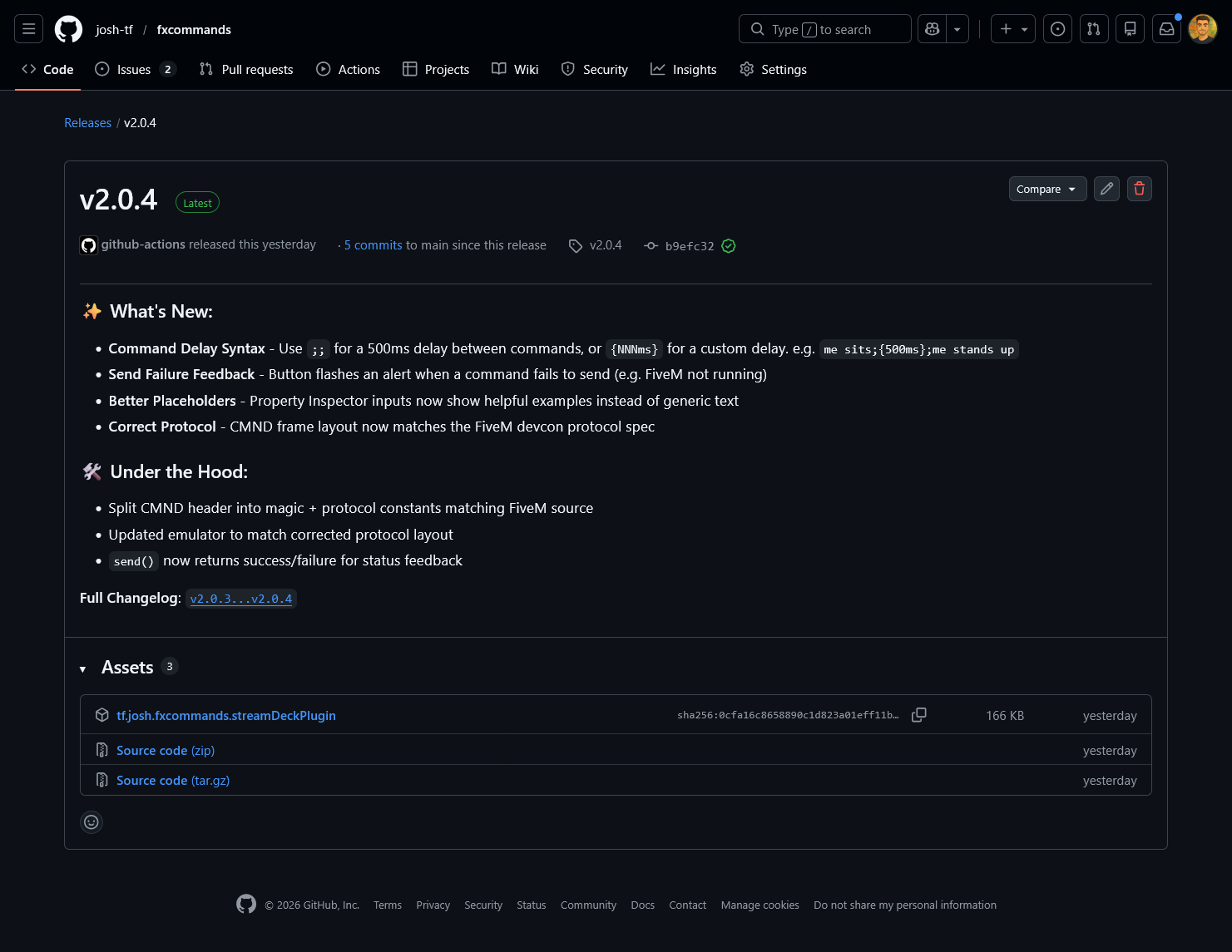
Install
Double-click the downloaded .streamDeckPlugin file. The Stream Deck app will prompt you to install.
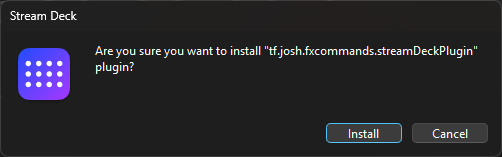
Verify
In the Stream Deck app, search for FXCommands in the actions list. You should see the Run Command action.
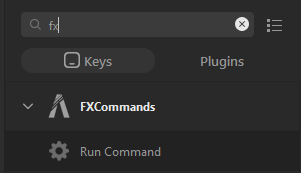
Basic Configuration
Add to Deck
Drag the Run Command action onto any button on your Stream Deck.
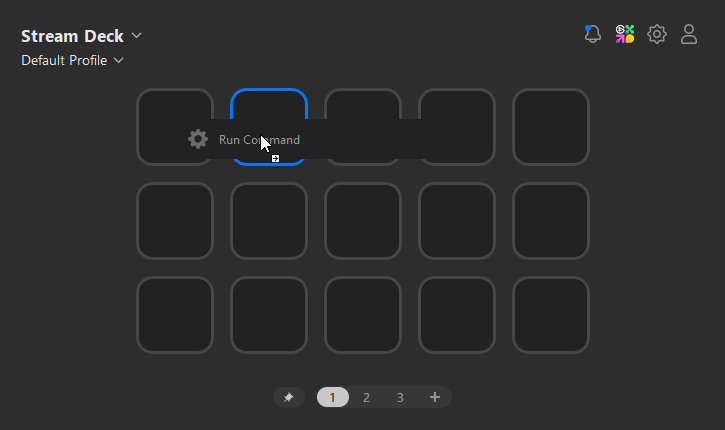
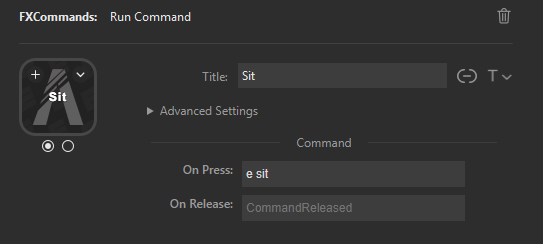
Set Command
Click the button to open its settings. Type your command in the On Press field, e.g. e sit
Play
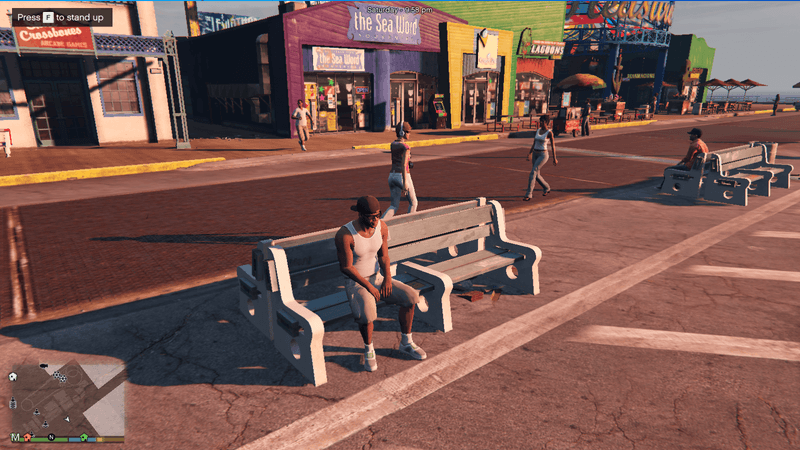
Launch FiveM/RedM, connect to a server, and press your button. The command executes instantly.
Advanced Features
Press & Release
Use On Press and On Release to run different commands on key down vs key up.
Press: e sit
Release: e c
Multi-Stage Buttons
Expand Advanced Settings and set the number of states (up to 5). Each state has its own press/release commands. The button cycles through them.
Stage 0: e sit
Stage 1: e c
Chained Commands
Use ; to send multiple commands in a single press. FiveM processes them sequentially.
e sit;me relaxes on the ground
Delayed Commands
Add a delay between commands using ;; for 500ms or {NNNms} for a custom delay.
e think;{2000ms};e c
Emote for 2 seconds, then cancel
Having issues?
Troubleshooting Guide