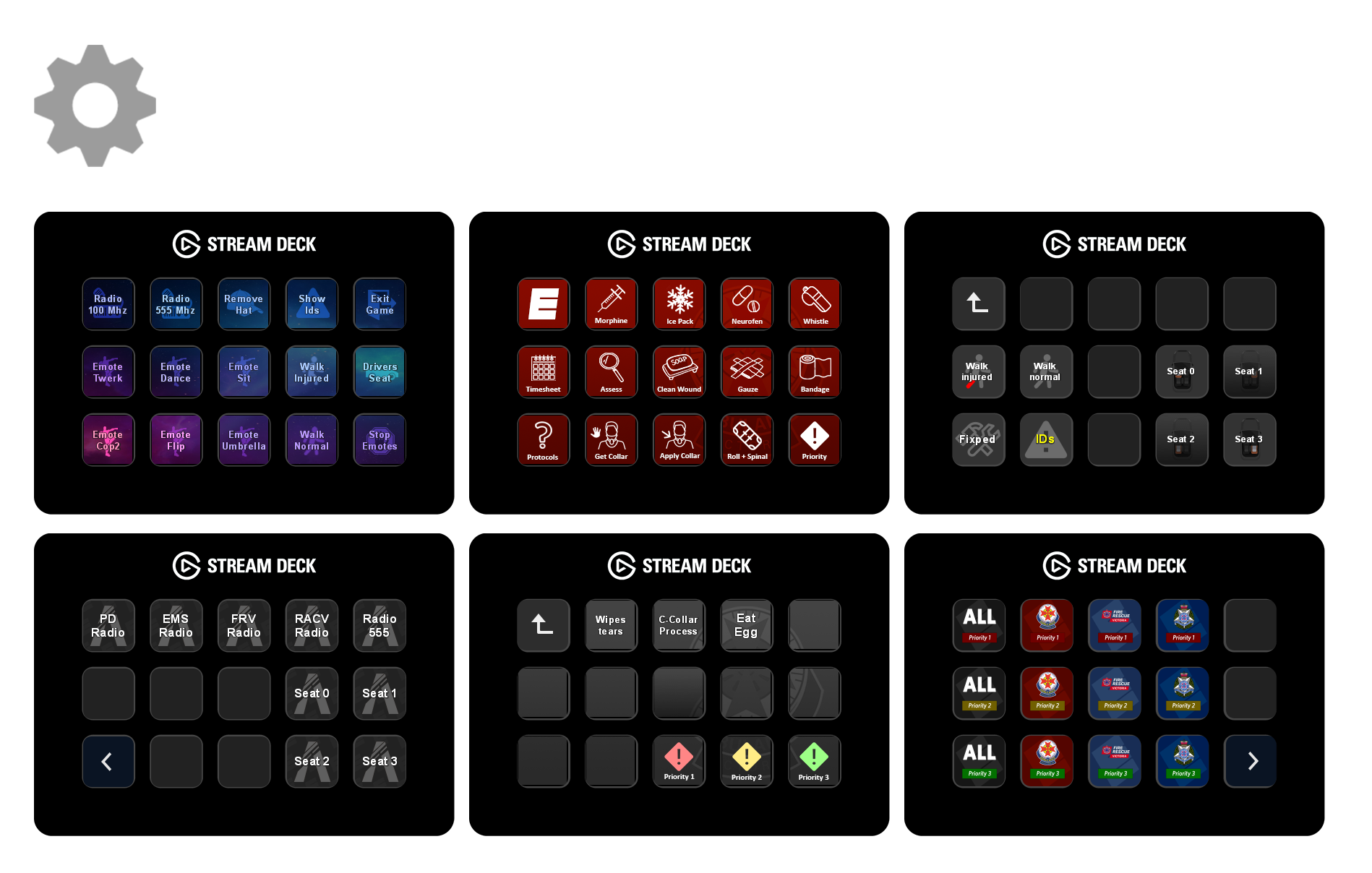
Send commands to your FiveM or RedM client console directly from your Stream Deck.
Features
Press & Release
Assign different commands to key down and key up. Send e sit on press and e c on release to create a hold-to-emote button.
Multi-Stage Buttons
Up to 5 states per button. Each press cycles to the next command, then loops back. Perfect for toggle emotes or multi-step RP sequences.
Stage 0: e sit → Stage 1: e c
Chained Commands
Send multiple commands in a single press using ; as a separator. FiveM executes them sequentially.
e sit;me relaxes on the ground
Delayed Commands
Add timed delays between commands with ;; for 500ms or {NNNms} for custom timing. Great for timed emote sequences.
e think;{2000ms};e c
Connection Feedback
Visual alert on the button when a command fails to send, so you know immediately if FiveM isn't running or the connection dropped.
Persistent Connection
Connects to the FiveM console once on load and stays open. Commands send instantly with no reconnect delay between presses.
Get Started
Install
Download and double-click to install.
Configure
Drag the action onto your deck and enter a command.
Play
Press the button to send it in-game.